The most important information contained in the content: Types of cells Number of cells in a pack marked S-series and...
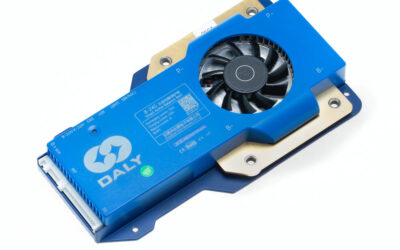
Principles of selecting a BMS for a battery pack
read more



€41,67
Available on backorder
LCD touchscreen for BMS SMART Daly
LCD touch screen for BMS SMART Daly with simultaneous operation of multiple BMS
New from Daly. This screen, which looks like a typical Daly LCD screen, allows you to monitor the parameters of several batteries, separate or connected in parallel (each of them must be equipped with a BMS SMART with CAN/RS485 output and a parallel module).
Thanks to other software and the use of the RS485 connector, it is possible to view information from up to 16 connected batteries.
In this configuration, it is necessary to properly address individual BMS through a PC program. If you buy a set (BMS + Screen), we provide this service at no extra charge.
Connecting incorrectly addressed BMS to the BMS may lead to their damage not covered by the warranty! BMS addressing can’t be done by BT app, it is necessary to have RS485 cable and PC software.
The connection principle is based on the parallel connection of the A and B outputs of the RS485 connector in all BMS and connecting them to the LCD screen. In addition, the screen draws power from the UART connector in the first BMS.
Connecting cables can be made on your own, based on the main cable supplied with the monitor (other than for the standard monitor) and CAN/RS485 cables supplied with the BMS SMART.
After agreement, it is possible to make such ready wiring by our company at the price of PLN 30 for each subsequent BMS.
After connecting the BMS, this screen does not allow you to change their settings (must be done via BT or PC), but only the preview of BMS and battery parameters.
The screen does not require installing additional software, just connect it to the appropriate sockets in BMS SMART.
The screen is supplied with a connecting cable and fasteners.
If the user decides to configure the system on their own (BMS addressing), we send detailed instructions after purchasing the components.
| Brand | |
|---|---|
| Size | |
| Weight |
The most important information contained in the content: Types of cells Number of cells in a pack marked S-series and...
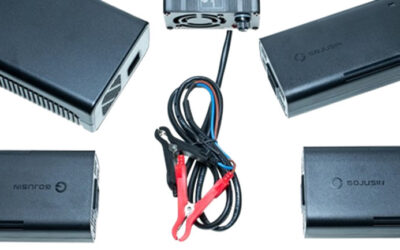
The most important information contained in the content: Types of cells (batteries) and selection of chargers for them...
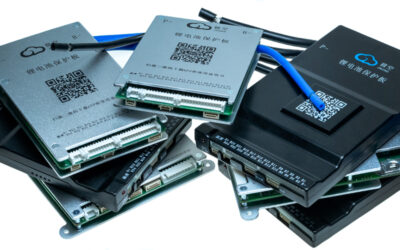
No one needs to be convinced of the advantages of batteries based on lithium technology. Their ability to store much...


